How to Track AI API Costs Across a Team
Published July 11, 2026 · Updated July 26, 2026 · Samson PG
One developer watching one dashboard is easy. A team sharing four providers across a dozen keys is where AI spend quietly gets out of hand. Here is how to get one number everyone trusts.
Tracking AI API costs across a team is harder than doing it for yourself — not because the numbers are bigger, but because the spend fragments. Several developers, several keys, several providers, and no single screen that shows the whole team's total. The person who sees the invoice is often not the person whose experiment caused the spike.
Why team AI spend fragments
On a team, AI usage spreads out fast. One developer has an OpenAI key, another is testing on Anthropic, a third routes through OpenRouter, and someone stood up a Gemini prototype last week. Each provider dashboard only shows its own account-level total, and none of them knows about the others. Nobody is looking at a single number for “what is our AI spend this month” — because that number does not exist in any one place by default.
The shared-bill problem
The failure mode is predictable: a forgotten batch job, a looping agent, or a load test runs over a weekend on a shared key, and the first anyone hears of it is the invoice. On a solo project you would probably notice. On a team, the spend hides in a larger total and the feedback loop is a month long — which is exactly how a small overrun becomes a big one. See how to investigate a spend spike once you can actually see it.
What a team actually needs
Three things, really. One combined spend number across every provider the team uses, so there is a single source of truth. A clear owner — one person accountable for the budget, who receives the alerts. And read-only visibility for everyone else, so the whole team can see the number without anyone being able to accidentally change a key or an alert. The goal is shared awareness with a single point of control, not a dashboard login handed around on a sticky note.
How TryTokka handles team spend
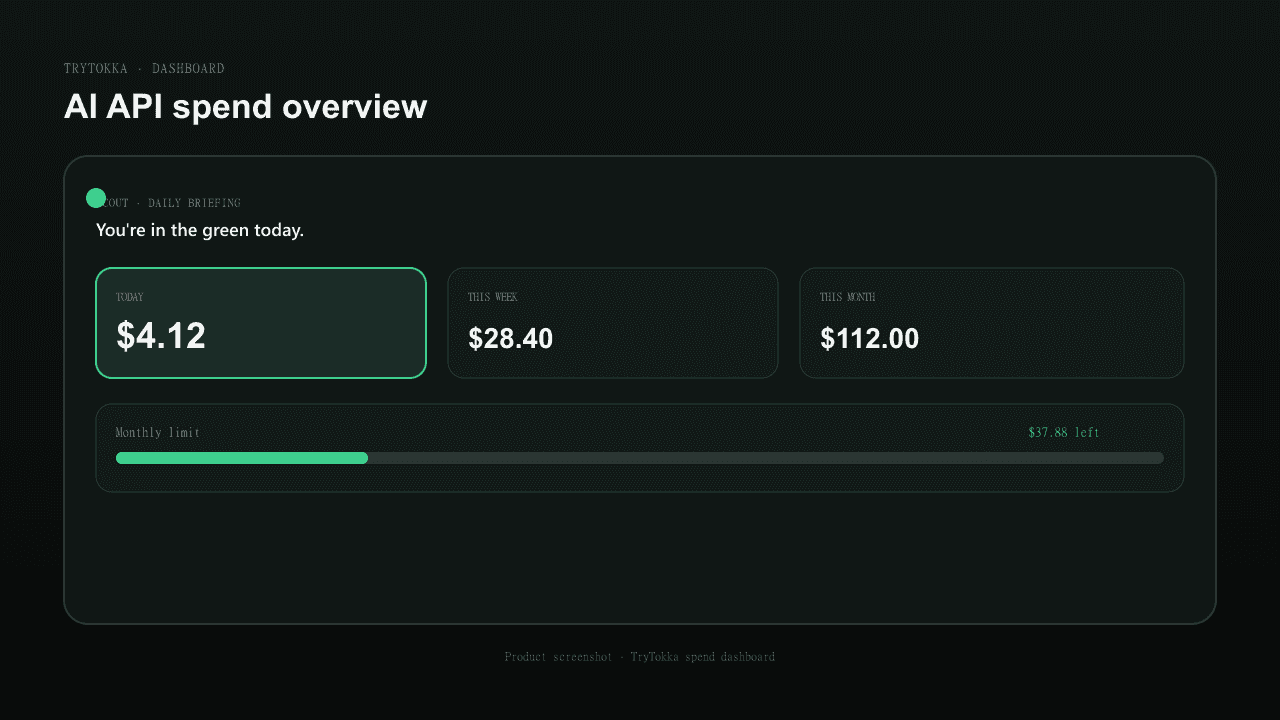
TryTokka's Team plan is built around that shape. The workspace owner connects the providers and controls the keys and alert thresholds; team members get read-only access to the same combined number. Scout checks the total daily across OpenAI, Anthropic, Gemini, and OpenRouter and emails the owner before the team crosses a limit — not after the invoice. We only ever read billing usage, never your prompts. One number everyone can see, one owner who controls it. Compare plans on the pricing page, read the setup guide, or start a free 7-day trial.
FAQ
Can I see AI spend per developer?
Provider dashboards report account-level totals, not who on your team spent what — spend is attributed to the key, not the person. The practical unit is per-key and per-provider, rolled up into one workspace total. If you need per-person attribution, issue a separate key per developer and track each one.
Who should receive the spend alert on a team?
The person accountable for the bill — usually the workspace owner or whoever manages the AI budget. The whole point of an alert is that it reaches someone who can act on it, so sending it to the owner rather than every member is what makes it useful rather than noise.
Should team members be able to change the API keys?
Usually not. Keys are the most sensitive thing in the account and the thing most likely to be broken by accident. A common setup is owner-controls-keys, members-can-view — everyone sees the same combined spend number, but only the owner adds, rotates, or removes keys.
How many people does a small team need to cover?
Most indie and startup teams tracking AI spend are under five people. TryTokka's Team plan is built for exactly that — up to five members sharing one workspace, with the owner in control of keys and alerts and members on read-only access.
Put this into practice
Jump from this guide to the matching TryTokka landing — then start a free trial when you are ready.
Stop checking dashboards. Start getting warned.
TryTokka combines eight API providers plus flat subscriptions. Scout checks daily and emails you when synced spend is over your limit, usually within about 24 hours.
7 days free, no credit card required.
From Scout's desk
Get weekly AI cost insights — free
Every Sunday: what AI models are costing developers like you, which switches save money, and one thing you can do this week to spend less.
No spam. Unsubscribe anytime.
Keep reading
How to Monitor Anthropic Claude API CostsThe Anthropic Console shows your Claude spend — but only your Claude spend. Here's how to actually see it alongside everything else you're paying for.How to Track Google Gemini API CostsGemini is the odd one out: its costs are buried inside your broader Google Cloud bill, not a dedicated AI dashboard. Here is how to actually see them.How to Track OpenAI API Spend Without Daily ChecksOpenAI's own dashboard works, but it only tells you what you already spent. Here's how to actually stay ahead of it.
← All TryTokka articles